Site observation — Río Serrano wetlands
Captured in field, transcribed automatically. GPS-tagged to sample point R-22.
BakerTech Capture organizes field observations, voice notes, photos, and links into Cubes — then connects them directly to your AI tools via MCP. Built for professionals who document the physical world.
iPhone · iPad · Mac · Web. Your data stays on your infrastructure.
Active Cube
Captured in field, transcribed automatically. GPS-tagged to sample point R-22.
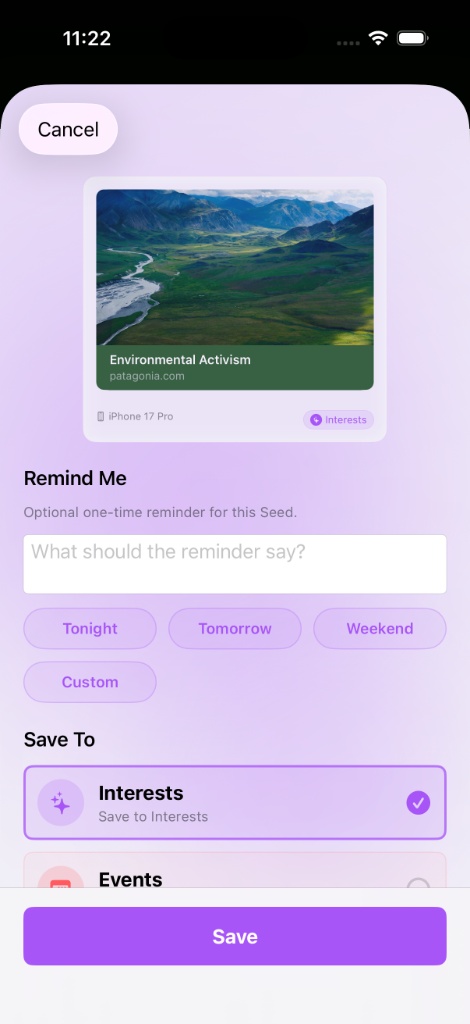
Saved from iPad. Attached to project Cube with context notes.
cube.id: patagonia-field-survey-q2-2026
knowledge.sync: 847 nodes · 4m ago
BakerTech Capture's MCP server surfaces your project knowledge directly into Claude and other AI tools. When you're writing a client report, your AI already knows what you captured in the field three weeks ago.
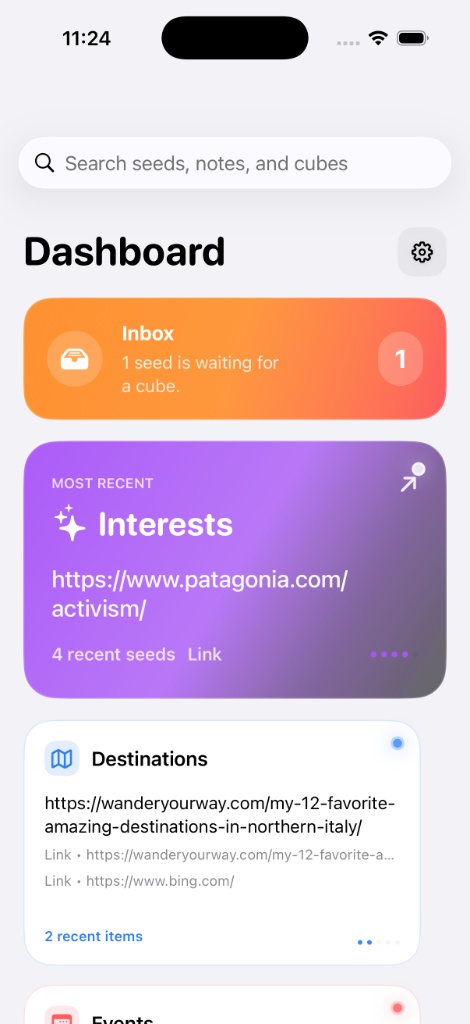
Select a Cube. Your AI has full context — every note, file, and voice transcript you've captured for that project.
Claude works from your actual project knowledge, not a training-data guess at what you might mean.
Claude Desktop, Claude.ai, or any MCP-compatible tool. Capture connects to where you already work.
Cubes organize knowledge by project — so your AI sees the right context, not your entire knowledge base.
How it works
Sam is writing a client report. She opens Claude Desktop. BakerTech Capture's MCP server has already surfaced 847 nodes from her Patagonia Cube — field notes, site observations, draft chapters, and stakeholder emails. Claude knows the project.
No exports. No copy-paste. No “remind me what I captured last month.”
cube.id: patagonia-field-survey-q2-2026
mcp.server: bakertech-capture.local
knowledge.sync: 847 nodes
last sync: 4 minutes ago
● Connected to Claude Desktop
Field work doesn't happen at a single desk. Capture on your iPhone in the field. Document on your iPad at the site. Write on your Mac. Share with a colleague on Windows — the web app has you covered.
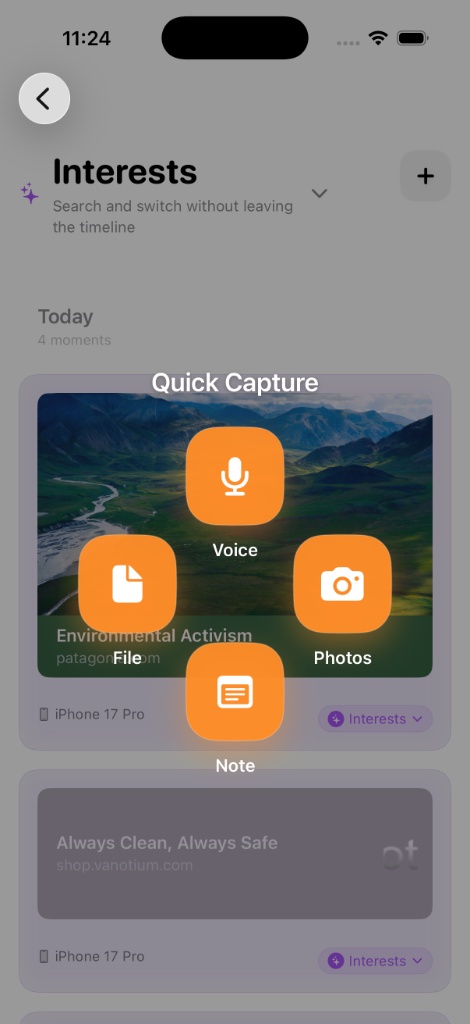
Share Extension and voice transcription for instant field capture — without breaking your workflow.
AvailableSite documentation with files, photos, and notes — synced to your Cubes the moment you're back online.
AvailableYour full knowledge base at your desk — search, review, and connect to Claude for report writing.
AvailableFull feature parity in the browser. Windows, Linux, or any device. Share Cubes with colleagues on any platform.
Building nowAny professional who documents conditions in the physical world — site visits, inspections, surveys, assessments. We lead with environmental consulting because that's where we're building first. But the tool works for any field discipline.
Site conditions, field observations, GPS-tagged samples, EIA chapters, client deliverables. Deep field knowledge across complex, multi-year projects — this is who we're building for first.
Anomaly documentation, equipment records, right-of-way conditions, and compliance notes captured directly at the asset.
Daily site conditions, progress photos, safety observations, and punch-list items organized by project and phase.
Species sightings, habitat documentation, transect data, and field notes — captured offline, synced when you're back in range.
More industries coming — infrastructure assessment, forestry, mining operations, and more. If your work happens in the field, Capture is built for you.
“I spend half my day in the field and half writing reports. My knowledge lives in my phone, my inbox, and my head — and none of those talk to each other.”
Sam R. — Environmental ConsultantWhat Sam needs
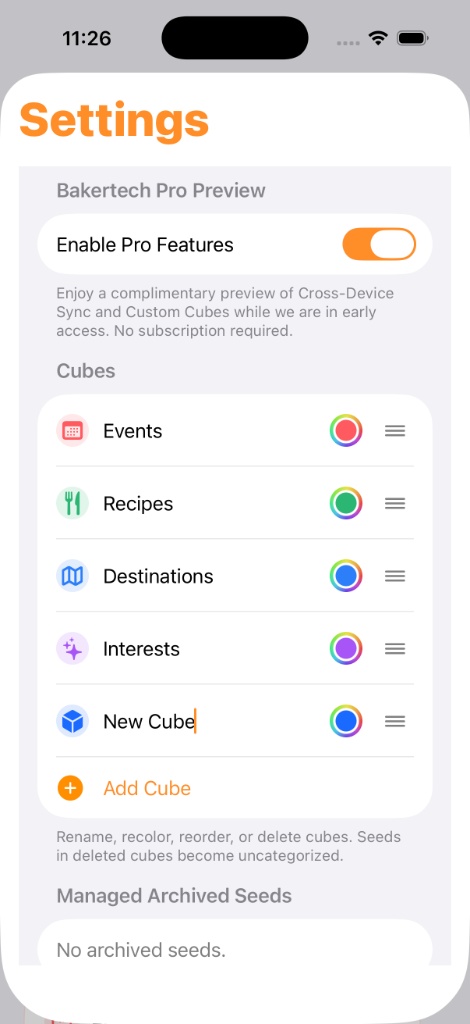
When you create a new Cube, choose a starter template — or start blank. Templates preset your seed types and structure without locking you in to any workflow. More templates arrive as new verticals open up.
For environmental consultants documenting site conditions, collecting field samples, and building records for regulatory submissions.
For inspection professionals documenting asset conditions, anomalies, and compliance status in the field.
Start with an empty Cube and define your own seed types as your workflow takes shape. No preset structure.
More templates coming — construction documentation, wildlife surveys, infrastructure assessment, and more.
Data sovereignty is architecture, not a checkbox. BakerTech Capture runs on your device and your infrastructure. Your field notes, research, and client data stay where you put them.
MCP integration and cross-device sync are the foundations. Everything else builds from there.
Core Cubes engine with cross-device sync across iPhone, iPad, Mac, and web app. Voice transcription and Share Extension for instant field capture.
Connect your Cubes directly to Claude Desktop and other MCP-compatible tools. Your field knowledge surfaces in your AI, automatically.
Managed MCP server for teams (Cloud) and self-hosted deployment for organizations with strict data governance requirements (Enterprise).